

COCA COLA AD
REACH FOR THE STARS, REACH FOR A COKE
Brief
Students will create a polished 120-frame Houdini scene for the “Reach for the Stars, Reach for a Coke” concept, using the provided Coca-Cola bottle and at least one KitBash3D “Mission to Minerva” model.
Software
Houdini
Nuke
After Effects
Credits
COCA COLA MARKETING
RESEARCH
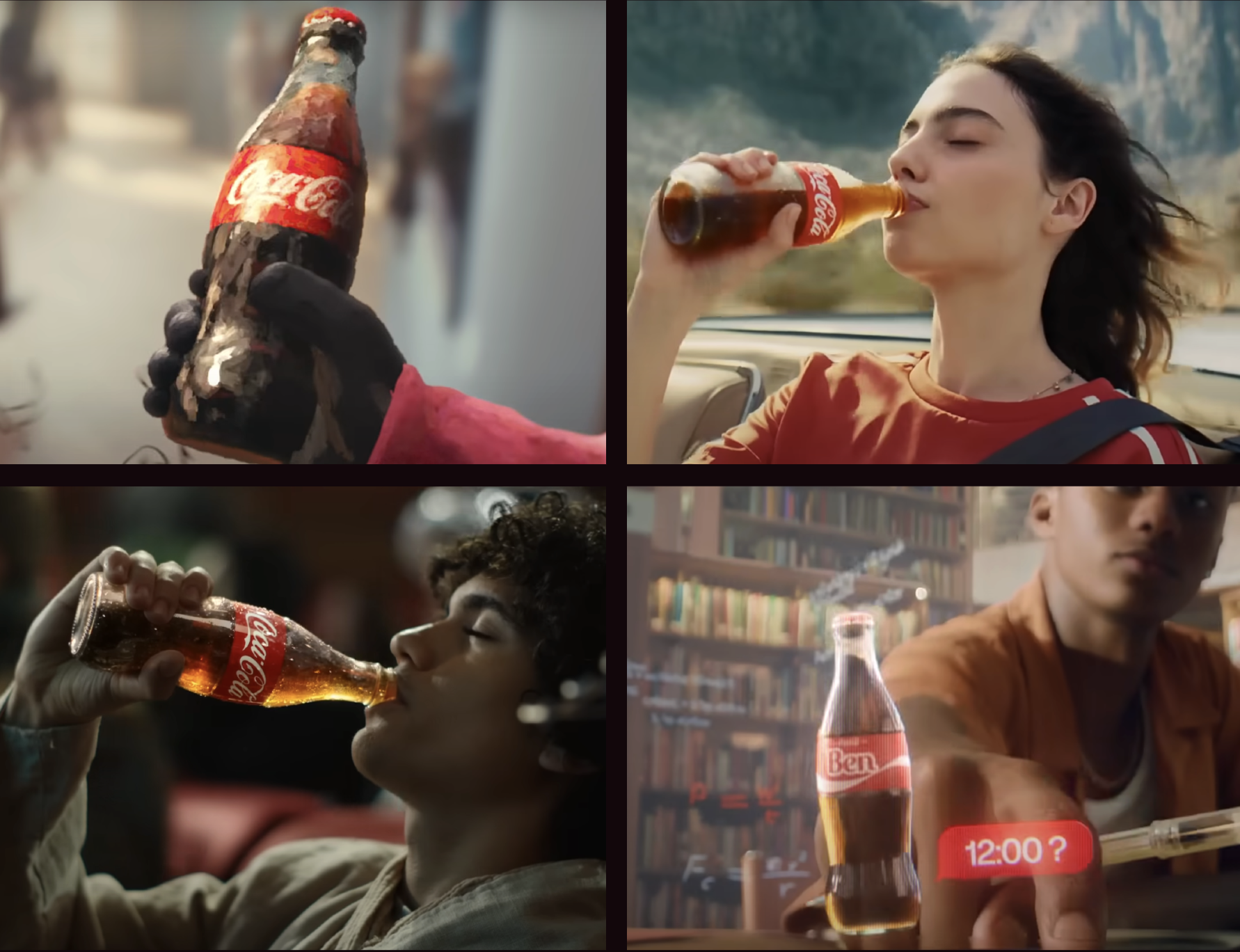
After reviewing several Coca Cola Ads, I noticed that they often use dynamic camera movements to keep the Coke bottle as the focal point. The brand consistently presents itself as a source of joy and excitement, emphasizing positivity and energy in every scene.
HYPER STRETCH
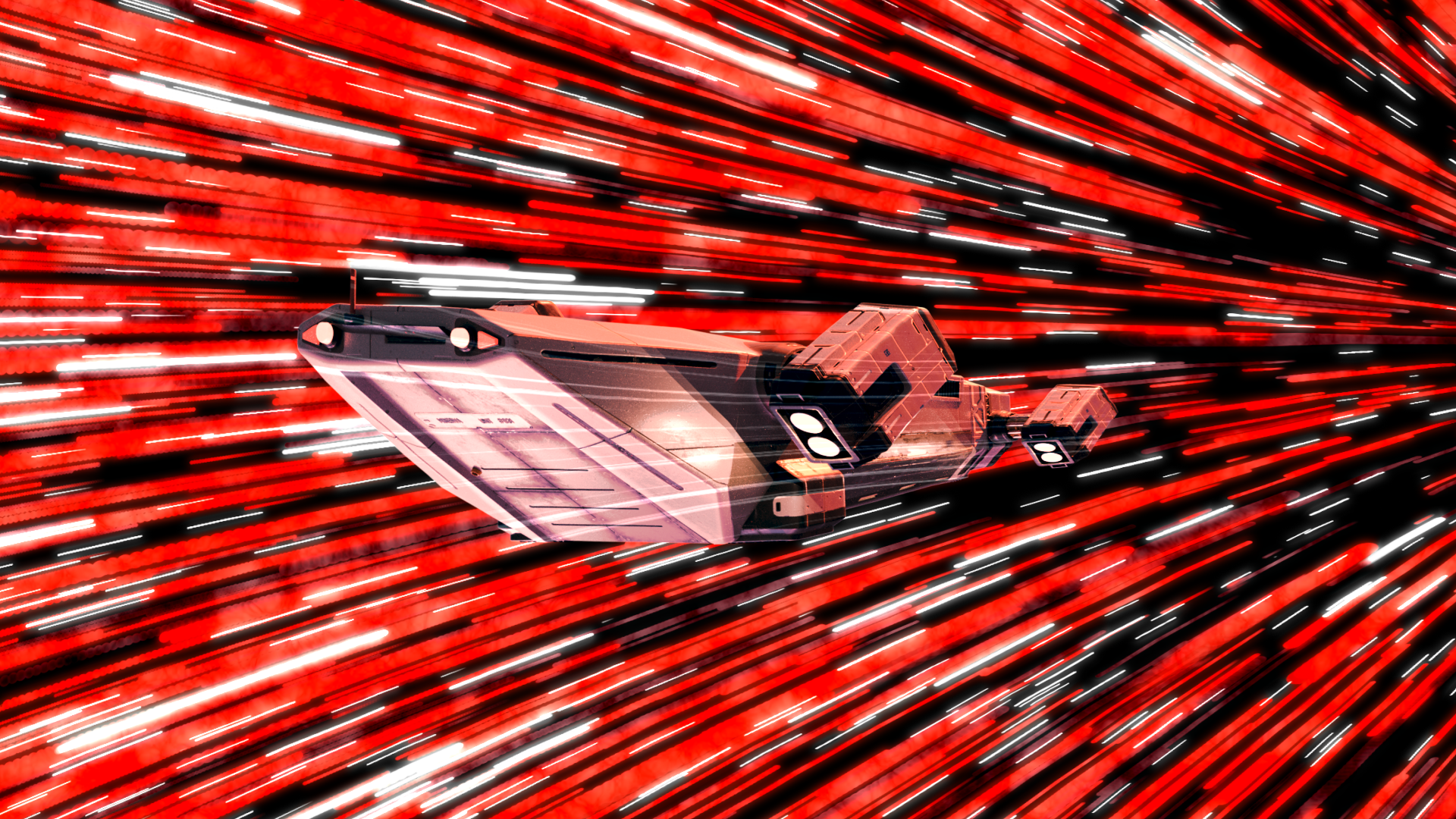
A spaceship drifts toward a black hole and begins to stretch under its immense pull. As it’s consumed, streaks of red and white light burst across the void. The ship morphs into the shape of a Coke bottle, and in a smooth match cut, the bottle emerges from the other side, floating calmly through space.
INITIAL PITCH
TURNTABLE
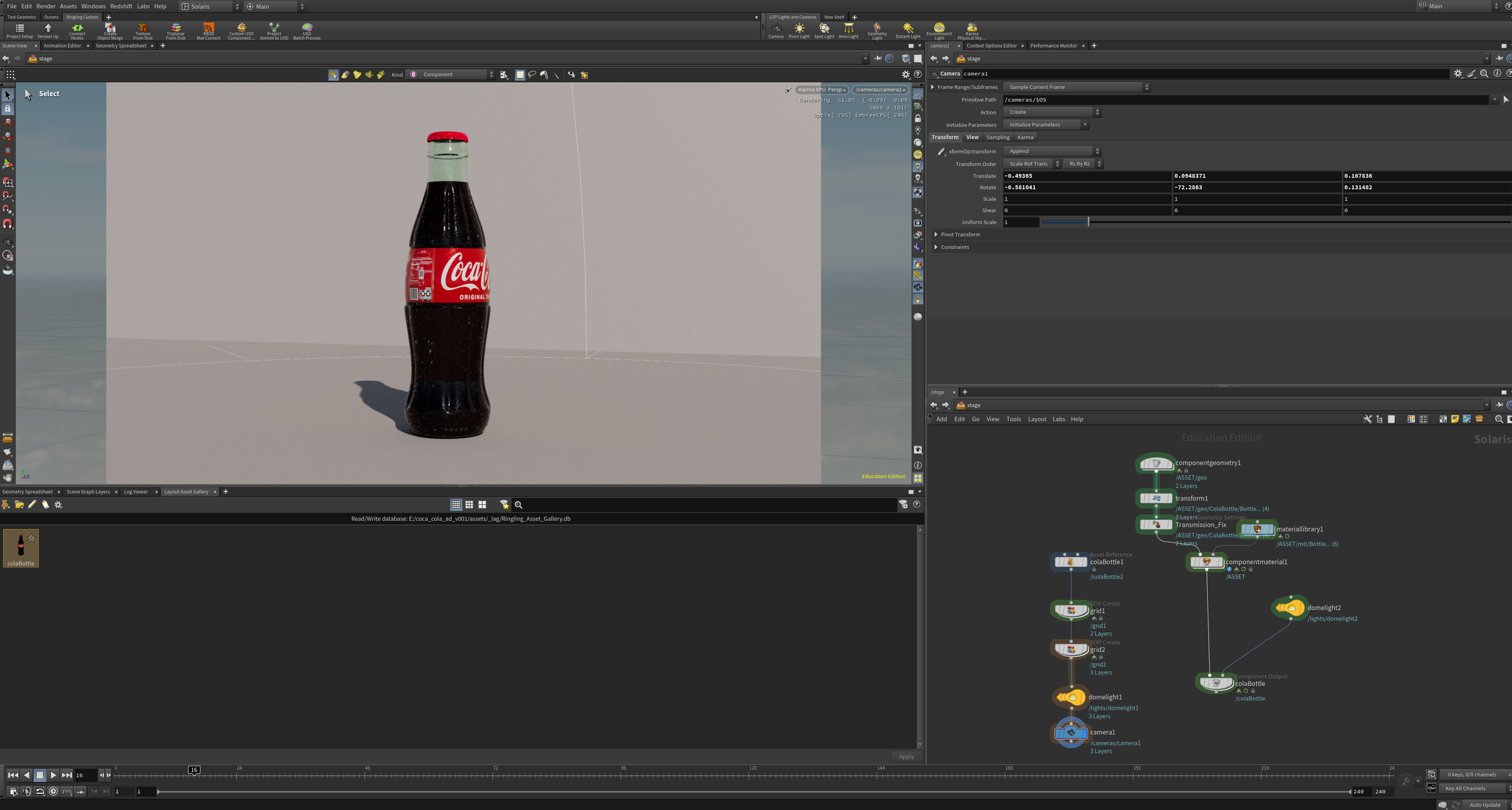
This image shows what I had to set up to get the Coke model working in Houdini after downloading it. It wasn’t just “drag and drop”, I had to build a small network of nodes and materials to make the bottle look as good as possible with Houdini’s realistic rendering.
This shows the Coca-Cola bottle in Houdini with shaders and lighting applied. The bottle rotation highlights how the HDRI lighting effects the the model. The HDRI rotation (in the background) shows how the bottle looks under different light positions and angles.
KITBASH ASSETS PROCESSING
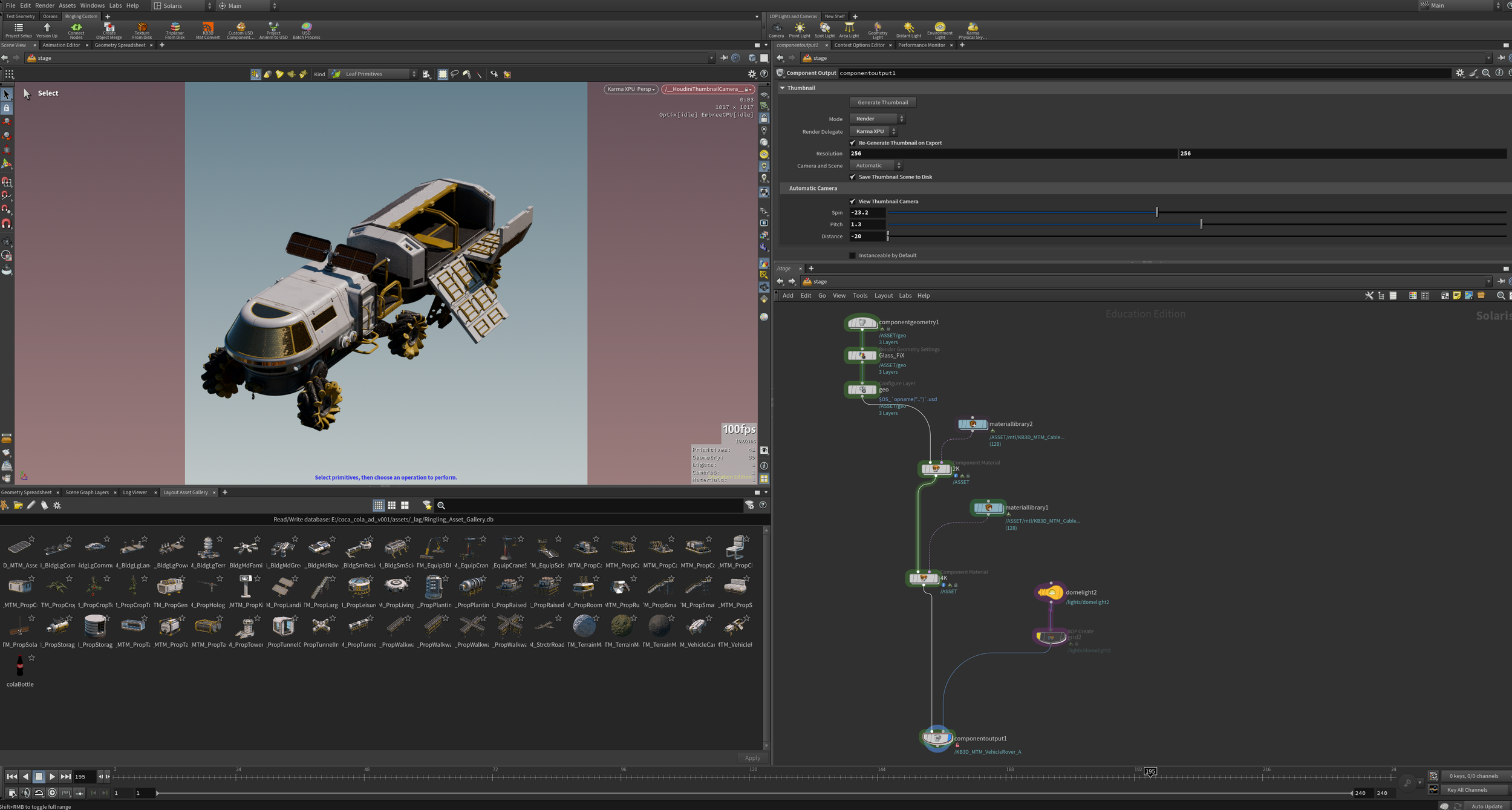
We then learned how to properly set up lights inside larger assets like buildings. After that, we created two variants, a lights on version and a lights off version. To do this, we built the lit version in the material folder, cached it, and then brought it into the Stage layer through the asset reference.
We were then expected to download the Mission Minerva assets and create thumbnails for them in the Houdini Asset Gallery. This required me to light and capture thumbnails for all 60 assets included in the kit.
ANIMATION PASSES
2ND PASS
In the second pass, we were expected to show a rendered version of the animation in the render view. After critique, I was told to reduce the glow on the Coca Cola bottle and make the end card look more interesting.
1ST PASS
4TH PASS
In the last pass before the final, I improved the lighting on the Coke bottle to make it look more realistic and darkened the black hole to enhance the overall mood.
In this first animation pass, I blocked out the main movement and created the hyperspace transition in After Effects. During critique, I was told to add more buildup to the ship before it enters the black hole..
3RD PASS
In the third pass, I added more cinematic lighting to the black hole and the ship, and I also sped up the black hole transition. The feedback I received was to remove the light on the black hole’s rim and continue improving the end card.
TECHNICAL EXECUTION
VFX BREAKDOWN
FINAL THOUGHTS
This project was a great opportunity for me to get creative with what’s possible in Houdini. It also helped me learn how to blend renders from After Effects and Houdini effectively. Thanks to this project, I now have a better understanding of realistic lighting.